
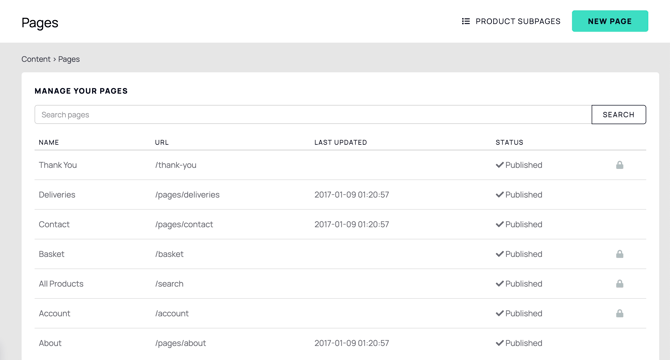
On the Pages index screen, some pages display a padlock icon. This icon identifies the page as a protected system page that cannot be deleted.
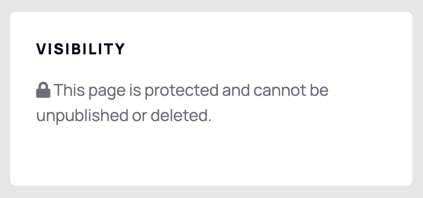
When you click on one of these pages to make edits, you will see that the Visibility section also shows the page's protected status.
You can add content to these pages in the Content area provided, but it will only appear in the fixed position available for content in that page's pre-set design.
These locked pages are system defaults in Symphony Commerce and cannot be deleted. Certain fields within them are also not editable.
The URL of a locked page is fixed and is derived from the page's name. For this reason, we recommend that you do not rename locked pages.
| Page Name | Page Address |
|---|---|
| Account | my-symphony-shop.com/account |
| All Products | my-symphony-shop.com/search |
| Basket | my-symphony-shop.com/basket |
| Blog | my-symphony-shop.com/blog |
| Checkout | my-symphony-shop.com/checkout |
| Delivery | my-symphony-shop.com/pages/delivery |
| Error – Page not found | my-symphony-shop.com/error |
| Home | my-symphony-shop.com/ |
| Thank You | my-symphony-shop.com/thank-you |
Locked pages cannot be manually toggled between published and unpublished. Symphony Commerce automatically manages each locked page's publish status based on your store setup progress. For example, the Returns page is automatically published once you have completed your returns policy.