By default, products are displayed in the order they were added. You can change this by reordering products within a category — either by selecting a preset sort order or by dragging products into a custom sequence.
1. Go to Products.

2. Click on Categories.

3. Click on the category that you want to reorder.
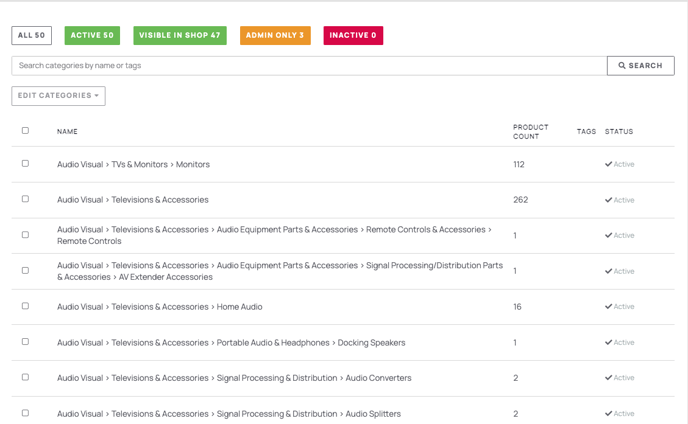
4. In the Edit Category panel, locate the Default Product Ordering section.
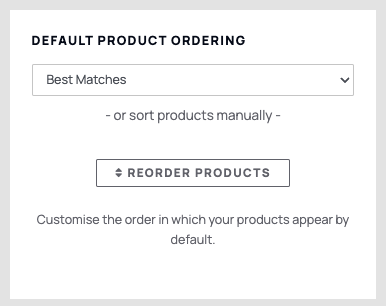
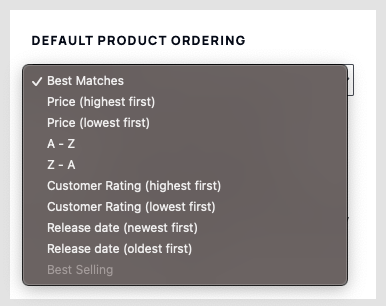
Use the dropdown menu to choose a preset sort order (for example: alphabetical, price, or date added).
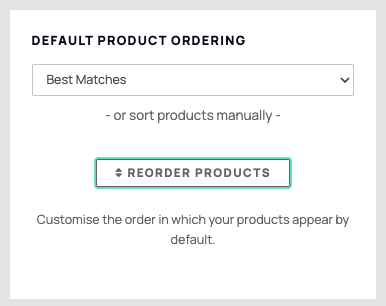
Alternatively, you can manually reorder products by dragging each product name up or down the list. Note: manual ordering is only available when the dropdown is set to Custom.
5. Click Save to apply your changes.