
In Symphony, you can assign products to a category either one at a time (individually) or in bulk (multiple products at once). Follow the steps below for your preferred method.
Individually
Go to Products.

Select the product you wish to edit.
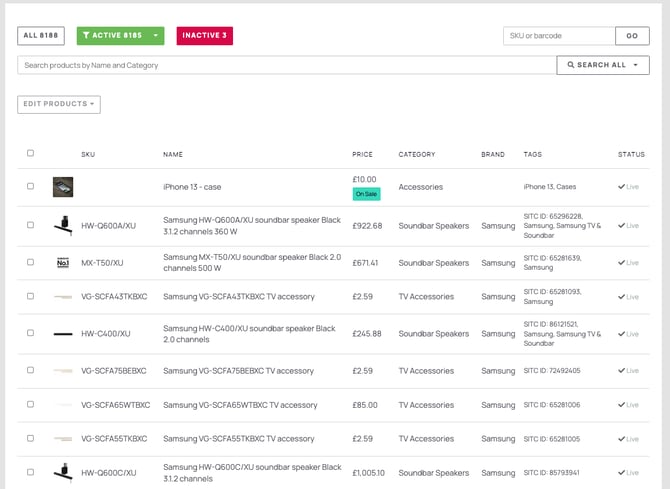
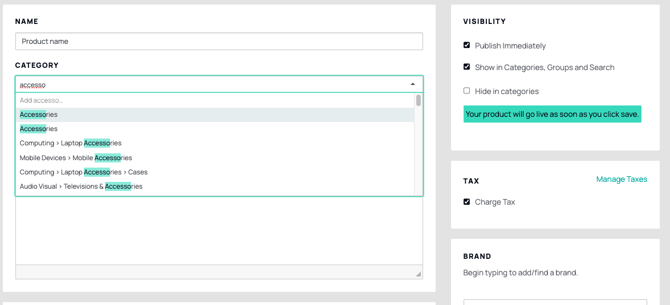
On the Product Edit page, you will find the option to select the category for the product. Simply choose the category from the dropdown menu where you want the product to be placed.
Select Save in the top-right corner to apply your changes.
Multiple products
Go to Products.
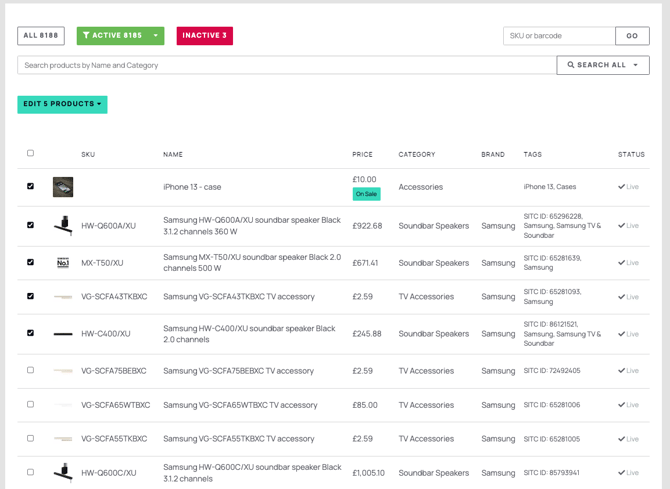
In the first column of the product list, check the boxes next to the products you want to move to a different category. Once selected, an action dropdown will appear at the top of the list.
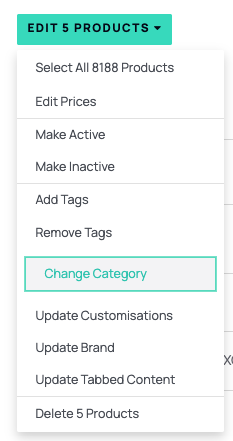
Click on the dropdown box and select Change Category.
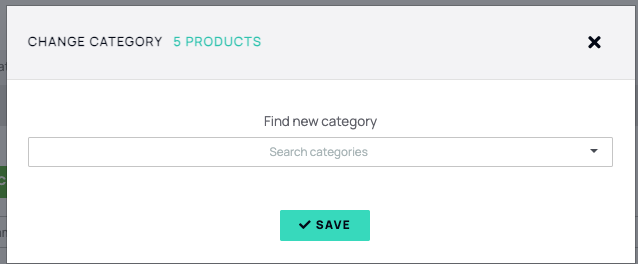
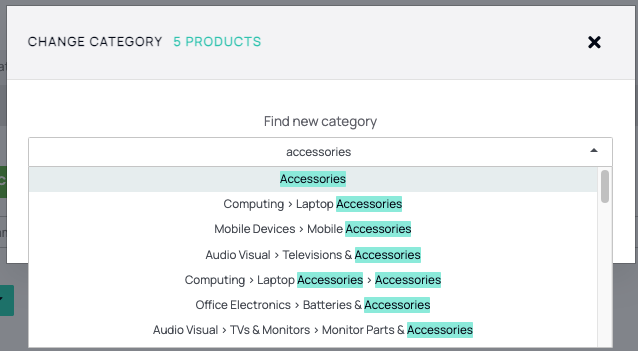
Search for or type the category name you wish to move the products to, then select Save.
After moving your products, they will be highlighted in green to confirm the change was successful. Symphony automatically refreshes to display the updated product categories.