
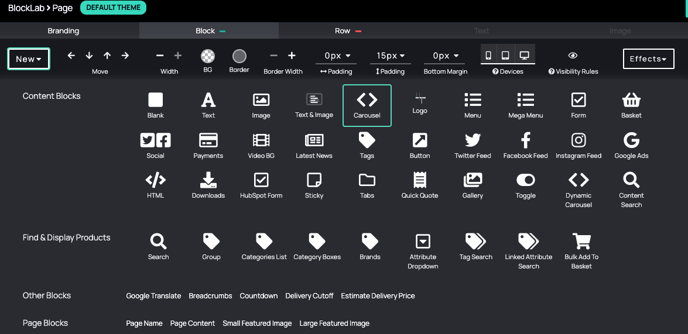
Go to Block > New > Carousel.
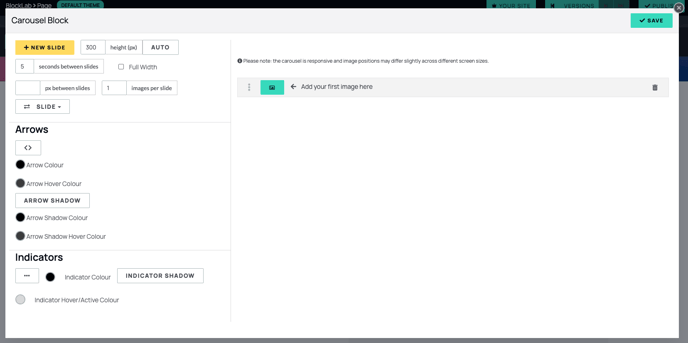
2. Add a Carousel Slide and choose your image:
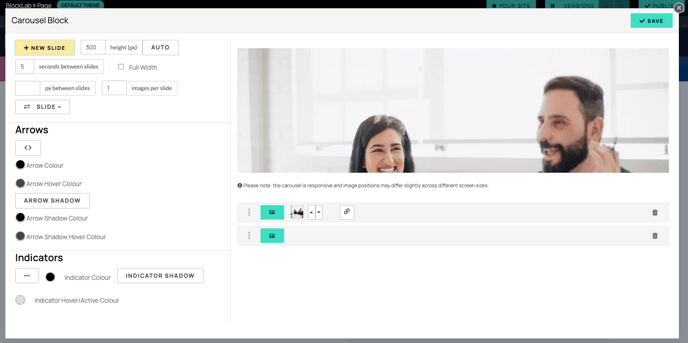
2. Proceed to add as many new slides as you wish.

3. Change Slide Transitions:
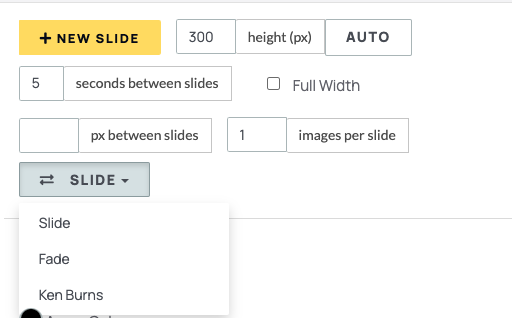
4. Change height of Carousel:

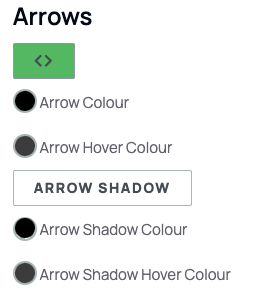
5. Add Navigation Buttons and Arrows to select different slides:
6. Save and see! To edit the Carousel again, double-click the block.